

New users — welcome bonus on first deposit
Available on all 54 Yono apps
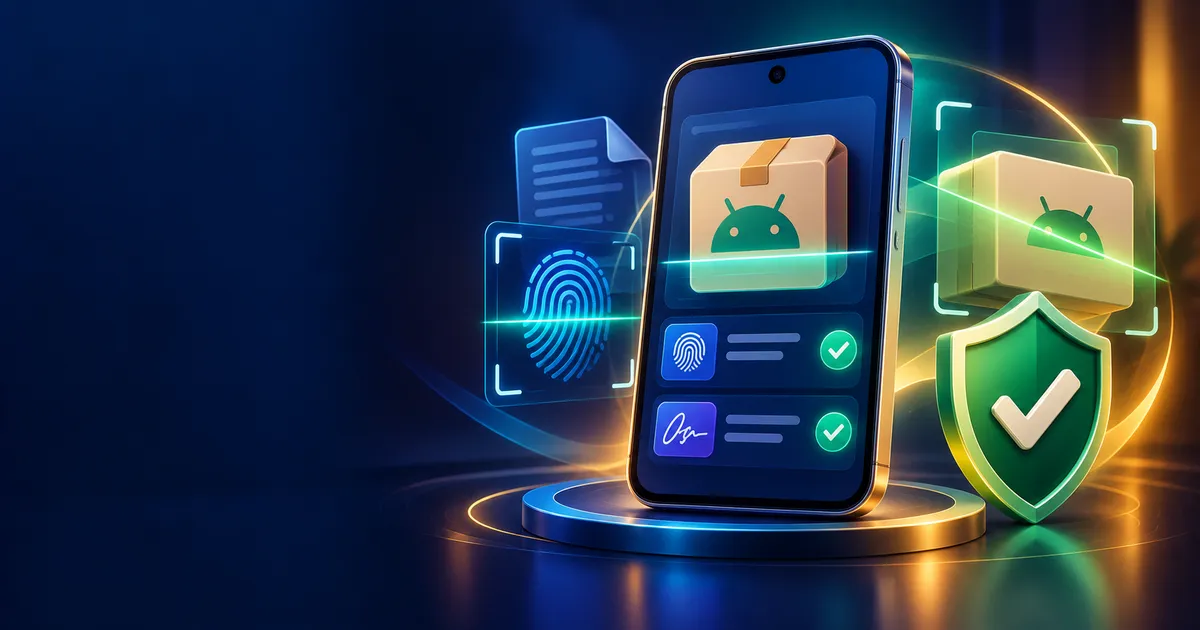
“Pure APK” is a download-site phrase meant to suggest an unmodified, original Android installer file. The label itself isn’t proof. A genuine original is traceable to the developer’s official source and has an unaltered signature, while modified files may carry hidden changes or extra permissions.
“Yono arcade pure apk” draws around 7,600 searches a month. People want to be sure they are getting a clean file. That is a sensible instinct, but the word “pure” on a download page proves nothing. Here is how to check for real.
What the phrase tries to say
Download sites add words such as “pure”, “original”, “latest” and “verified” to build trust. In practice, anyone can type them. A page can call a file “pure” and serve something altered.
Original versus modified
| Original APK | Modified APK | |
|---|---|---|
| Source | Developer’s official channel | Third-party re-upload |
| Signature | Developer’s signing certificate | Different or missing |
| Permissions | Match the app’s purpose | May include extras |
| Updates | Via official channel | Often none |
A modified file might add advertising, redirect actions or collect more data than the original.
How to check a file yourself
- Source. Does the link come from the official site listed on the directory profile?
- Hash. If the publisher gives a checksum (SHA-256), compare it with your downloaded file.
- Signature. An app-info viewer can show the signing certificate. Does it match across copies?
- Permissions. Read them before installing.
- Scan. Use Play Protect and a reputable scanner.
The APK safety checklist covers these steps in detail, using another app as the example.
What a checksum tells you
A checksum is a short fingerprint of a file. If the publisher lists one and yours matches, the file is identical to what they published. If it doesn’t match, something changed: the download was corrupted or the file was altered. A missing checksum doesn’t prove a problem, but it removes one of the easiest checks.
If you already installed a file you’re unsure about
Don’t panic, but act promptly:
- Don’t sign in or enter payment details in the app.
- Uninstall it from your phone’s app settings.
- Run a Play Protect scan and review any warnings.
- Check recent permissions you granted and remove any you don’t recognise.
- Change passwords on any account you used inside it, especially if you reused a password elsewhere.
- Contact your bank if you entered card or UPI details.
Then reinstall only from a source you can verify, following the install guide.
Where Yono Arcade fits
Arcade-style apps are casual by design, so permissions should be modest. If you want the lay of the land first, see the Yono Arcade category, and don’t mix it up with the app of a similar name; our Arcade vs Games comparison clears that up.
Installing safely
Follow the install guide: enable the install permission only for the app you are using, and disable it afterwards. If Play Protect warns you, stop and investigate rather than dismissing it.
Why this matters more for money apps
Some Arcade-category apps may involve in-app purchases or real-money features. An altered file near payments is a real risk. That is the strongest reason to care about the source.
A responsible reminder
You must be 18 or older. Set a spending limit before opening any app, and walk away if you are chasing losses.
Why modified files exist
People make and share modified APKs for different reasons. Some want to remove ads or unlock paid features. Others want to insert code that collects data or redirects activity. From the outside, you cannot see which kind you have, and a file labelled “mod” or “premium unlocked” gives no guarantee that it only does what the label says. For a game that may involve payments or personal details, the safest choice is simply not to use modified files at all.
A simple rule of thumb
If you cannot say where a file came from, who signed it, and why it asks for each permission, do not install it. That rule removes most of the risk, and it costs you nothing but a few minutes of checking.
Final word
“Pure” is a claim; the source and signature are evidence. Check evidence.
Frequently Asked Questions
Does “pure APK” mean safe?
No. It is an unverified label.
How do I verify a file?
Check source, checksum, signature and permissions.
Are modified APKs legal?
Often they breach the developer’s terms, and they carry security risk.
What if Play Protect warns me?
Don’t install until you understand why.
Is Yono Arcade the same as Yono Games?
No; see the comparison.
18+ only. This article is informational; nothing here is advice or a promise of any outcome. Affiliate disclosure: YonoLink may earn a commission if you download an app through links on this site.
Similar Yono Games
Top-rated apps across the Yono ecosystem




Ready to play Yono?
Grab your welcome bonus code before your first deposit — new users get a bonus on every Yono app.