
New users — welcome bonus on first deposit
Available on all 54 Yono apps
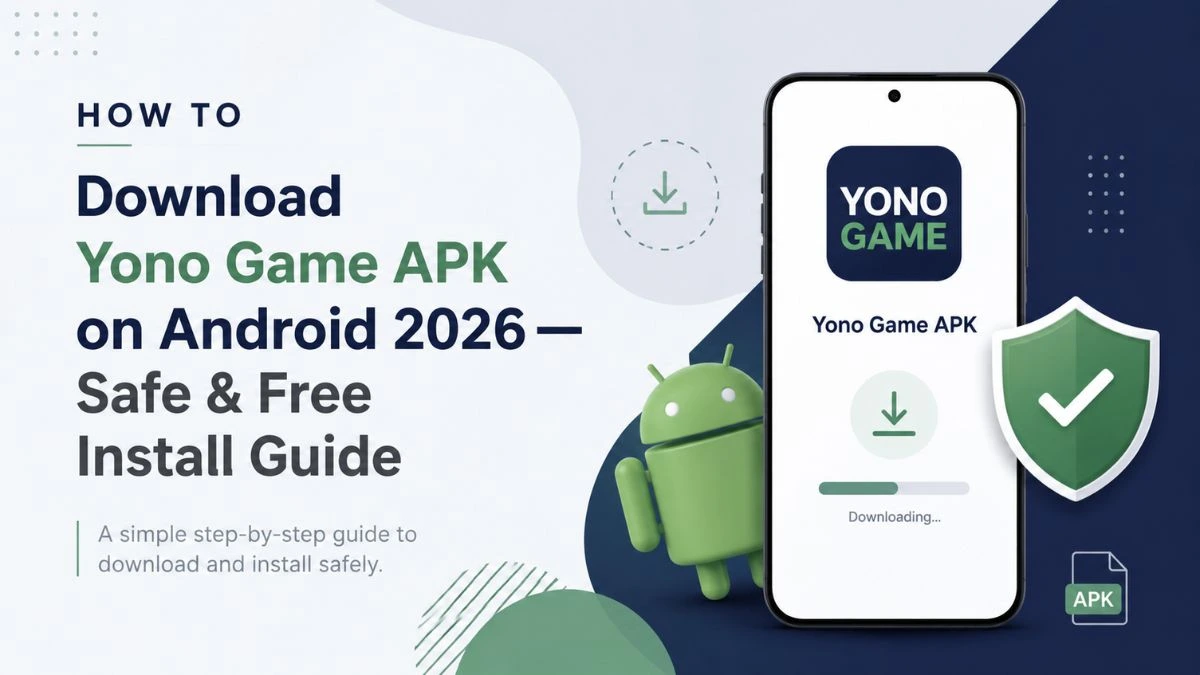
All 54 Yono game apps are distributed as Android APK files. They are not available on the Google Play Store or the Apple App Store, which means the standard download process most users are familiar with does not apply.
This guide walks you through the entire process — from choosing an app to completing installation and claiming your welcome bonus — in a way that works on any modern Android device.
Not sure which app to start with? Read the complete Yono game guide first, then come back here when you’re ready to install.
Why Are Yono Games Distributed as APKs?
APK stands for Android Package Kit — the file format Android uses to install applications. Most apps you use daily arrive through the Play Store, which handles the APK delivery behind the scenes. Yono apps skip the Play Store and deliver the APK file directly.
This is common across a broad range of real-money gaming apps in India. Direct APK distribution gives app developers more flexibility over updates, bonus structures and availability — without being subject to app store policies that restrict real-money gaming applications.
The result is that installation requires one additional step: enabling your device to accept installs from sources outside the Play Store.
What You Need Before Downloading
Before you start, confirm the following:
Android version — All Yono apps require Android 5.0 or above. Most devices running Android 8.0+ will have no compatibility issues. Check your version under Settings → About Phone → Software Information.
Available storage — Individual Yono APKs range from approximately 20MB to 80MB. Ensure you have at least 200MB of free storage to allow for the APK file and the installed app.
Stable internet connection — A Wi-Fi connection is recommended for the download step to avoid mobile data charges and partial downloads.
A trusted download source — Only download APK files from app pages listed on YonoLink.co. Each app page links directly to the official referral download. Browse the full games directory to find the app you want.
Step-by-Step: How to Download and Install a Yono Game APK
The following walkthrough uses Yono Rummy as the example. The same steps apply to every other app in the directory, including Yono Slots.
Step 1 — Find the App Page
Go to the games directory and select the app you want to download. Each app page includes a Download button linked to the official APK source.
Step 2 — Tap the Download Button
Tap the Download APK button on the app page. Your browser will begin downloading the file. On most Android browsers, a download progress bar appears at the top or bottom of the screen.
The file will save to your device’s Downloads folder by default.
Step 3 — Enable Install from Unknown Sources
This is the step most users encounter for the first time. Android blocks APK installations from outside the Play Store by default. You need to grant permission once per app or once globally, depending on your Android version.
Android 8.0 and above (most current devices): When you tap the downloaded APK to install it, Android will show a prompt asking if you want to allow installation from that source (usually your browser). Tap Allow or Allow from this source. This permission applies only to that browser — it does not globally disable Android’s security.
Android 7.0 and below: Go to Settings → Security → Unknown Sources and toggle it on. This is a global setting on older Android versions.
If you are unsure which Android version you are running, go to Settings → About Phone → Android Version.
Step 4 — Open and Install the APK
Locate the downloaded APK file. You can find it by:
- Tapping the download notification when it appears
- Opening your Files or File Manager app and navigating to Downloads
- Checking your browser’s Downloads section
Tap the APK file. Android will show an installation screen with the app name and requested permissions. Review the permissions listed, then tap Install.
Installation typically takes 10 to 30 seconds.
Step 5 — Open the App and Register
Once installation is complete, tap Open. You will be taken to the registration screen. Complete the sign-up process with your mobile number and any other required details.
Step 6 — Claim Your Welcome Bonus
After registering, navigate to the Wallet or Add Cash section. Before completing your first deposit, check the promo codes page for any active welcome code for that app. Enter the code in the promo code field on the deposit screen, then complete your deposit.
For a full walkthrough of using promo codes, read the Yono promo codes guide.
How to Verify an APK Before Installing
Even when downloading from a trusted source, it is good practice to check the following before tapping Install:
App name matches — The installation screen shows the app name. Confirm it matches the app you intended to download.
Permissions are reasonable — A Rummy app should request permissions for storage (to save game data) and internet access. If an app requests access to your contacts, camera, or microphone without an obvious reason, do not proceed.
File size is consistent — APKs for Yono apps typically range from 20MB to 80MB. A file significantly smaller or larger than this range warrants caution.
How to Update a Yono Game APK
Yono apps do not auto-update the way Play Store apps do. When a new version is available, you download and install the updated APK file manually.
Steps to update:
- Visit the app page on YonoLink.co
- Download the latest APK file
- Install the new APK over the existing installation — you do not need to uninstall first
- Your account data and wallet balance are stored server-side, so they are not affected by reinstalling
Some apps display an in-app notification when a new version is available. If you see an “Update Required” message, follow the same download steps above.
Troubleshooting Common Installation Issues
“Install blocked” message appears You have not yet enabled installation from unknown sources. Follow Step 3 above and retry.
“App not installed” error after tapping Install This usually means the downloaded file is corrupted or incomplete. Delete the APK from your Downloads folder, return to the app page on YonoLink.co, and download it again on a stable connection.
APK downloads but does not open Some file managers require you to navigate to the Downloads folder manually. Open your Files app, go to Downloads, and tap the APK file directly.
Download link is not working If a download link on an app page appears inactive, the app may be temporarily unavailable. Check back later or browse other apps in the same category on the games directory.
App installs but crashes on launch Check that your Android version meets the minimum requirement (Android 5.0+). If your device is compatible and the app still crashes, uninstall, re-download the APK, and reinstall.
Frequently Asked Questions
Why can’t I install a Yono game APK on my Android phone? The most common reason is that your device is blocking installations from outside the Play Store. Enable “Install from unknown sources” in your settings — the exact location depends on your Android version. See Step 3 above.
How do I enable “Install from unknown sources” on Android? On Android 8.0 and above: when you try to open the APK, Android will prompt you to allow installation from that specific source. Tap Allow. On Android 7 and below: go to Settings → Security → Unknown Sources and toggle it on.
Is it safe to download Yono game APK files? It is safe when you download from a verified source. Always use the download links on YonoLink.co app pages, which link to official referral sources. Avoid downloading APKs from social media posts, unverified forums, or links shared in chat groups.
Will Yono games work on all Android versions? Most Yono apps require Android 5.0 or above. Devices running Android 8.0 and above will have the smoothest experience. Very old devices running Android 4.x may not be compatible.
How much storage space do Yono game APKs need? Individual APKs range from approximately 20MB to 80MB. We recommend having at least 200MB of free storage available before downloading.
Can I download Yono games on iPhone? No. All Yono apps are distributed as Android APK files. They are not available on the Apple App Store and cannot be sideloaded on iOS without jailbreaking, which is not recommended.
What do I do if the APK download link is not working? Return to the app page on YonoLink.co and try again. If the issue persists, the app may be temporarily unavailable. Browse the games directory to find an alternative app in the same category.
How do I update a Yono game after installing? Download the latest APK from the app page on YonoLink.co and install it over your existing version. Your account data is stored on the server and will not be affected.
Final Thoughts
Installing a Yono game APK takes around three minutes once you have done it once. The key step — enabling installation from unknown sources — only needs to be done once per browser on Android 8.0 and above.
Start with one app, complete the install, register your account, and claim your welcome bonus before exploring others.
- Browse all 54 Yono apps and find one to download
- Get a promo code to use on your first deposit
- Read the complete Yono game guide
- Compare the best Rummy apps before deciding
Please play responsibly. For guidance on responsible gaming, visit the gambling awareness page.
Similar Yono Games
Top-rated apps across the Yono ecosystem


Ready to play Yono?
Grab your welcome bonus code before your first deposit — new users get a bonus on every Yono app.